
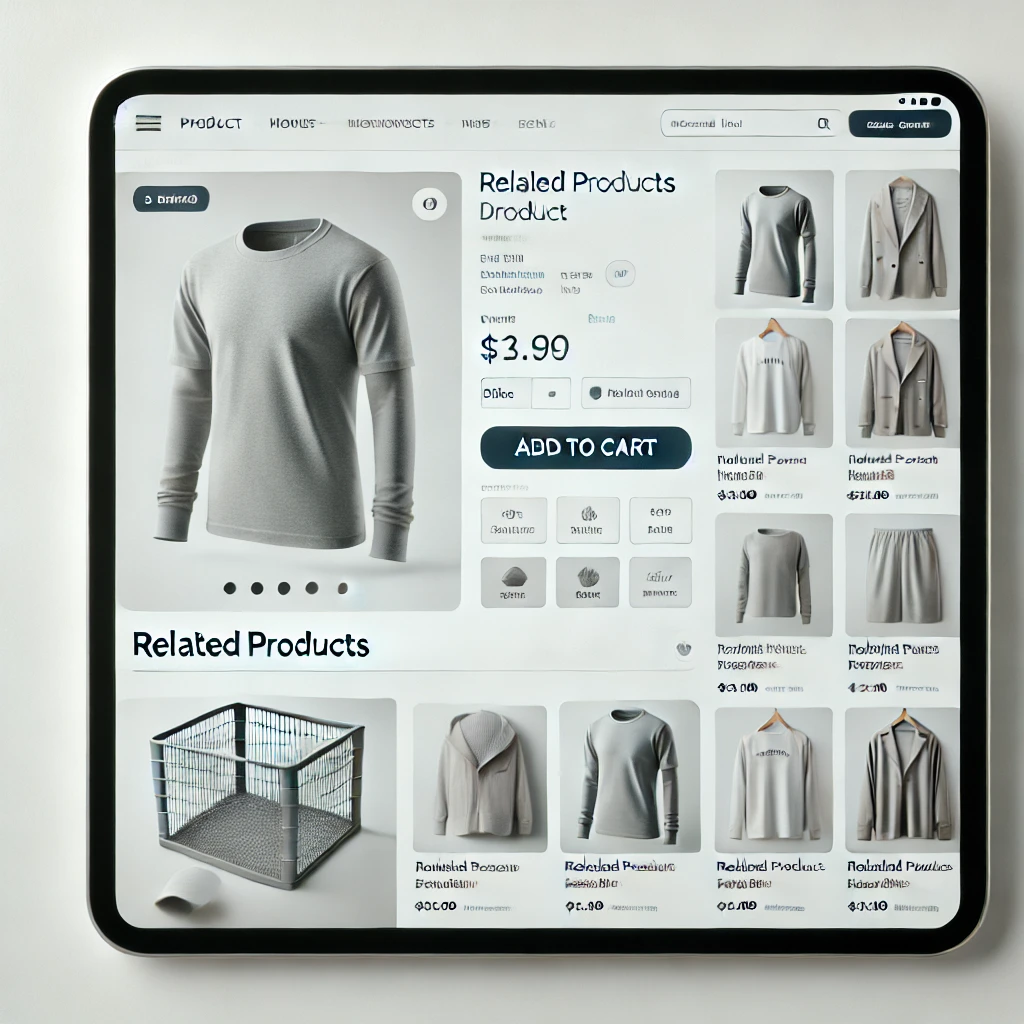
In WooCommerce, the related products section on a product single page is designed to display products that are associated with the currently viewed product. This is done to enhance the user’s shopping experience and encourage them to explore more products. WooCommerce determines related products in two main ways:
1. Categories:
Related products are primarily determined by the categories to which the current product belongs. If the product is part of multiple categories, WooCommerce shows other products from those same categories.
2. Tags:
WooCommerce also uses product tags to find related products. If two or more products share common tags, those products might appear as related products when one of them is viewed.
Key Points:
- Automatic: WooCommerce automatically selects and shows related products without manual input.
- Randomized: The related products shown on a product page are randomized among products that share the same category or tags, so they may vary between page loads.
Customizing Related Products:
You can further customize or control which related products appear by doing the following:
- Custom Code: WooCommerce allows customizations through code snippets in the
functions.phpfile of your theme. For instance, you can control the number of related products displayed or override the default related product query.Example to limit the number of related products:add_filter( 'woocommerce_output_related_products_args', 'custom_related_products_args', 20 );
function custom_related_products_args( $args ) {
$args['posts_per_page'] = 4; // Number of related products
$args['columns'] = 4; // Number of columns for displaying related products
return $args;
} - Plugins: There are several plugins available in the WordPress plugin directory that allow you to have more control over how related products are displayed, allowing manual selection or other custom filters.
- Product Upsells and Cross-Sells: Although different from related products, you can manually select upsells and cross-sells for specific products within WooCommerce:
- Upsells are products you recommend instead of the current product (usually higher-end or more profitable products).
- Cross-sells are products that are recommended on the cart page based on the current items in the cart.
Leave a Reply